
When everything is urgent, you haven’t set a priority. You have handed it to whoever asked last.
There is a name for this in the research. In a 2018 paper in the Journal of Consumer Research, Meng Zhu, Yang Yang and Christopher Hsee described what they called the mere urgency effect: in a series of experiments, given a choice between a task with a short completion window and a task carrying a larger reward, people reliably picked the urgent one. The pull came from the deadline, not the value.
What makes the finding hard to dismiss is what happened when others tested it. A 2026 independent replication by Mills, Cubitt and Starmer, with 2,374 participants, found the effect held up in a design closely following the original, even though the urgency was illusory. A deadline that cost nothing to miss still moved people away from the more rewarding option. Urgency doesn’t win the argument about what matters most. It skips the argument.

Now add the volume. Microsoft’s analysis of aggregated Microsoft 365 usage data, covering the period to early 2025, found that among the most heavily pinged fifth of users there were around 275 interruptions across the day, roughly one every two minutes during core working hours. Among the heaviest meeting users, close to six in ten meetings were ad hoc, with no invite sent. Of people online at six in the morning, 40% were in their email working out what the day’s priorities were. In Microsoft’s survey of about 31,000 workers across 31 markets, 48% said their work felt chaotic and fragmented.
Those are numbers for heavy users across a global workforce, and a fifteen-person business does not run on 275 pings a day. The experiments also involve people choosing tasks for themselves, so carrying them over to a team is an inference, not a finding. But it is a plausible one, and in a small company the pings often have one very visible source: the owner. When every message from you arrives with the same temperature, the same pull is likely at work. Your team answers the most recent thing, and quietly decides for itself which of your requests to take seriously.
Jake Knapp and John Zeratsky wrote Make Time around that problem. Their argument is that two defaults run most working days. The first they call the Busy Bandwagon, the culture of packed calendars and reactive to-do lists where responsiveness is the measure of a good day. The second, the Infinity Pools, is the endless scroll of feeds and inboxes that refills every time you look. Neither has to be chosen. They are what happens when nobody chooses.
Their alternative is almost too simple to take seriously, which is the point. Each day, pick one Highlight, a single thing that would make the day feel worthwhile, and give it a place in the calendar before the day fills. Not the most urgent thing, and not the whole list. One thing, chosen on purpose, with time attached to it. The rest of the book is a menu of tactics for defending that choice, and the authors are explicit that you are meant to take the few that suit you and ignore the rest.
For an owner, that points to two changes.
Replace the adjective with a date. Urgent is a feeling. A date is information. If you attach a day and a consequence to a request, your team can rank it against everything else they are holding. If you cannot name a date, the request isn’t urgent, it is just recent. The same rule applied consistently will restore the meaning of the word within a month.
Say what the week’s one thing is, and say what gets dropped. Teams can hold one declared priority. What they cannot do is absorb a new priority on top of a full week without something falling, and when you don’t say what falls, they choose, usually badly and usually silently. Naming the Highlight for the week, and naming what it displaces, turns that into your decision rather than theirs.
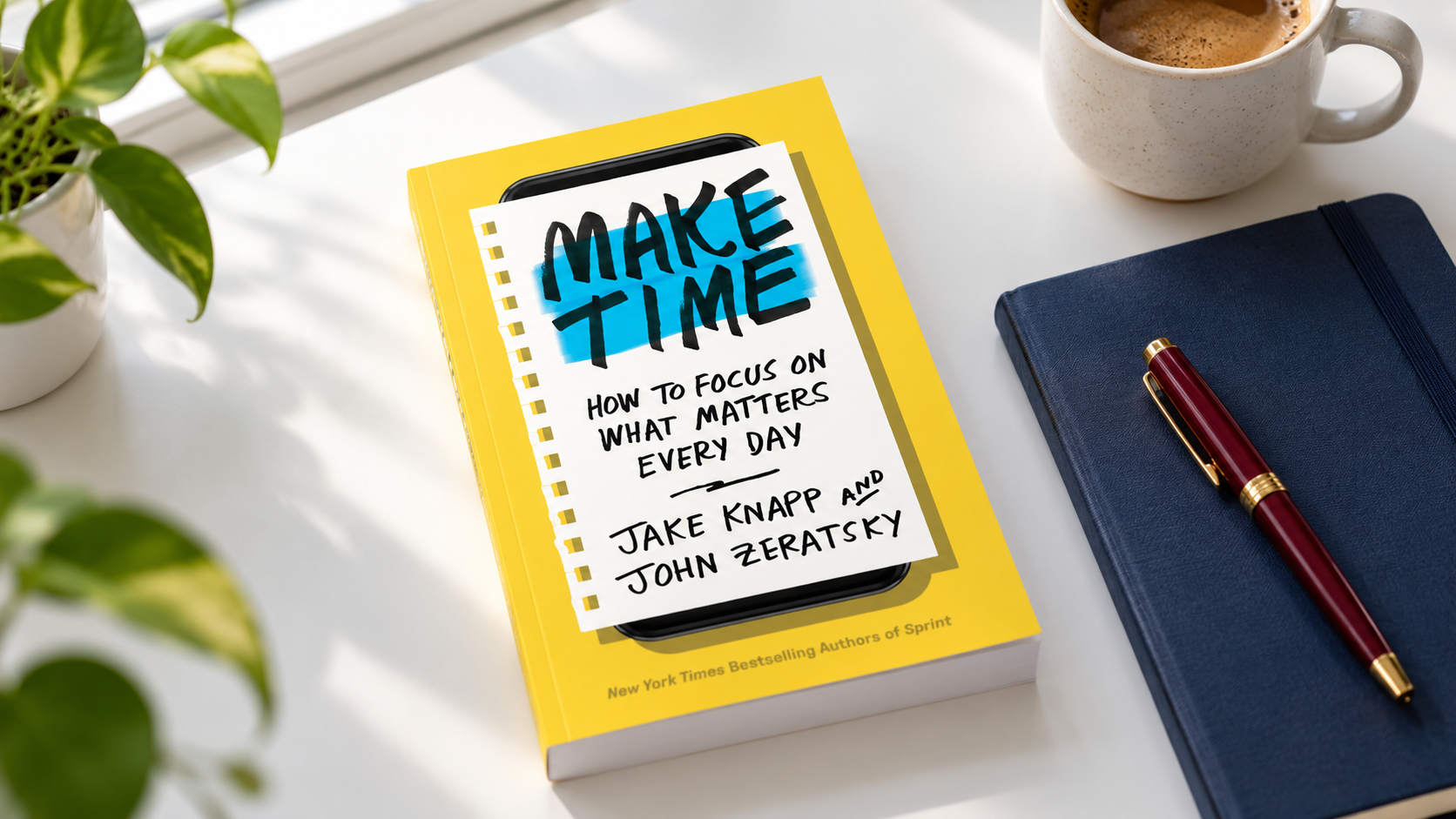
Best for: Owners whose days get taken apart by other people’s requests. Reading commitment: About four hours, written as short tactics you can skim and sample rather than a system to adopt whole.
The difficulty with choosing one thing is that the choice has to survive contact with a calendar everyone else can write into. A category of AI calendar tools now tries to hold that line by scheduling work rather than listing it.
Motion is one of them. Tasks go in with a deadline and a rough duration, and it places them into actual slots in the day, in an order set by priority and deadline. When a meeting lands on top of a block, it moves the work rather than leaving you to notice later that it didn’t happen. It connects to Google, Outlook and iCloud calendars, and it also handles basic team task tracking and booking links.
The trade-offs are worth knowing before you commit a week to it. Reviewers consistently describe a steep learning curve, and the setup can be fiddly, including double bookings while calendars are being connected. Its project management and collaboration features are thin compared with dedicated tools, and the mobile app is mainly for checking rather than planning. Most importantly, it can only act on the priorities you give it. A scheduler will defend a decision; it will not make one, and it cannot fix an urgency problem that starts with how the team is asked for things.
TEI offers a feature placement in TIME, arranged through our media relationships. TIME reaches a general audience rather than a trade one, which makes it a better fit for the human side of how a company works than for a product story. If you want the details, our Calendly is here, or reply to this email.
Take with you: If your team could believe only one of your requests this week was genuinely urgent, which one would you want them to pick?
The Executive Insight, 169 Madison Ave STE 11570, New York, NY, 10016